Mar 26 2026
Software

How to Streamline a Windows 11 Refresh With Managed Device Lifecycle Services

A cradle-to-grave approach helped Southern Bank optimize costs and enhance security.

Most business and IT teams meticulously scrutinize vendor specs and fiercely negotiate pricing when it’s time to purchase new laptops, desktops or mobile devices. But this is only one small step in a successful device initiative.

To ensure that devices serve long-term organizational goals — and don’t create new risks — financial institutions must be deliberate at every step of the device lifecycle, from planning to decommissioning.

“Device lifecycle management is important for a few key reasons,” says Michele Pelino, vice president and principal analyst at Forrester. “Device diversity, BYOD and multi-OS environments can complicate management, and tracking devices across the lifecycle helps to ensure security and device compliance. Also, end-to-end device lifecycle management helps to optimize costs.”

Click the banner below to learn how CDW can help streamline your Windows 11 migration.


Southern Bank, which is based in Poplar Bluff, Mo., and operates about 70 branch locations across four states, confronted these challenges during a recent Microsoft Windows 11 migration. For its device refresh, the organization partnered with CDW, which has also assisted with long-term lifecycle planning.

“For us, it is about trying to be proactive,” says Jerry Foster, IT officer and vice president for the bank. “The better job we do replacing computers and staying up with the newer technology, the better our systems are going to run. It’s going to provide a much better, smoother experience for our folks doing the work on the front lines and in the back office.”

While every financial institution’s situation is unique, Southern Bank’s refresh initiative highlights the challenges and opportunities leaders face during each stage of the device lifecycle.

RELATED: Your Windows 11 upgrade might be the right time to update some hardware.

Device Lifecycle Stage 1: Planning

Leaders should plan out the major steps of their device initiatives before they even get started, Pelino says.

“Start with establishing a device lifecycle framework that addresses key stages including procurement, deployment, management, security, device refresh and device retirement,” she says. “Identify the processes and tools in place to help your organization address each of these stages, and identify gaps or overlapping capabilities.”

At this early point, it’s important for organizations to consider the total cost of ownership for their devices, including not only purchase price but also ongoing costs for management and security. According to a report from HP, 68% of IT decision-makers say security is often overlooked in TCO calculations, leading to cost and management problems later on.

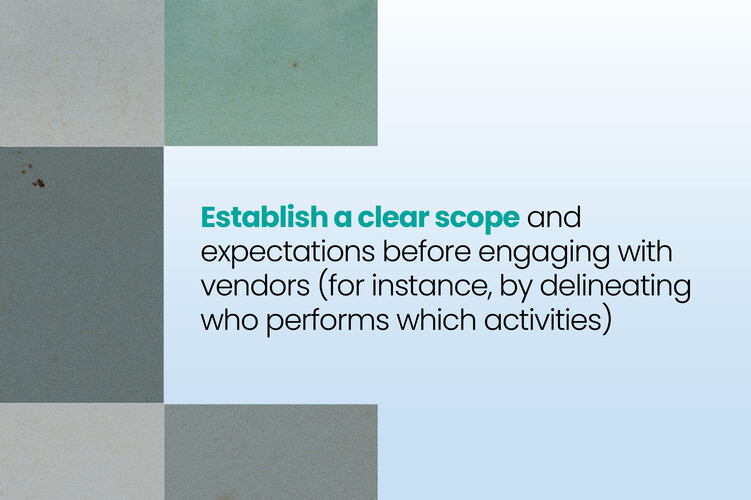
Southern Bank opted to work with CDW, in part because the partnership allowed the organization to make a bulk purchase of nearly 400 devices, including a mix of Dell desktops and Microsoft Surface Laptops. CDW held a portion of the purchase in its warehouse, letting Southern Bank deploy the devices gradually while locking in standardized pricing and device types.

“We wanted to avoid supply chain shortages and price increases,” Foster says. “If you don’t plan ahead, you can paint yourself into a corner.”
Device Lifecycle Stage 2: Procuring

Southern Bank inventoried its device fleet to determine which machines could not practically be updated to run Windows 11 and targeted those devices for replacement first. By purchasing the devices and storing them with CDW, Foster says, the organization avoided price and tariff increases, saving about $60,000.

“We were able to get good pricing, and we didn’t have all of these computers sitting in boxes at our branches,” Foster says.

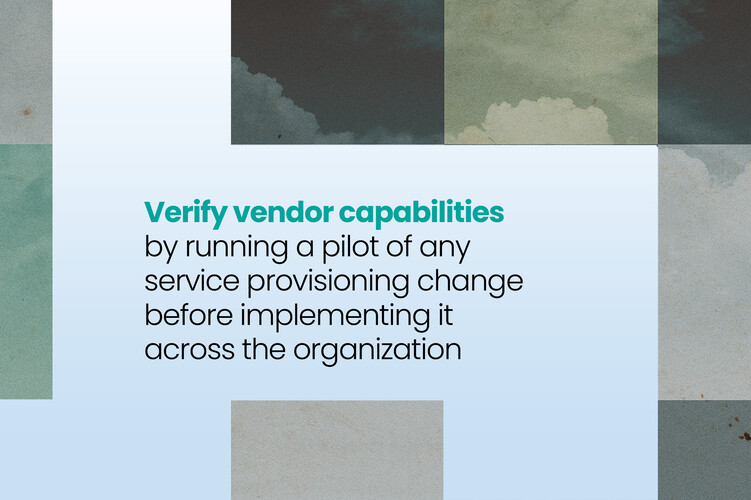
Pelino notes that organizations too often overlook software licensing and device warranties at this stage. “It is important to monitor warranty expiration dates and establish a plan to use this information to determine refresh cycle timelines,” she says. “Unused licenses or warranties waste money, and replacing devices prematurely increases costs.”

UP NEXT: Why a tech partner can guide financial services towards forward-thinking solutions.

Device Lifecycle Stage 3: Deploying

The deployment phase is critical. Unless organizations take some important steps, employees may lose valuable productive time simply trying to figure out how their new devices work.

“Employees in digital enterprises are most productive and effective at their jobs when their devices are familiar and usable, configured properly, and are provisioned with critical apps and software tools,” says Phil Hochmuth, IDC research vice president for endpoint and enterprise mobility, in a 2024 report.

70%

The percentage of organizations expected to adopt a managed device lifecycle service offering by

Source: Gartner, “Market Guide for Managed Device Life Cycle Services,” June 2025

During previous deployments, Southern Bank IT staffers would image devices and personally drive them out to branches. Now, the organization has used Microsoft Autopilot for zero-touch provisioning, and CDW has shipped many of the devices directly to branch locations.

“Team members log in, and Autopilot builds their entire computer on the spot,” Foster says. “That has allowed us to be a lot more flexible in our deployments, instead of spending an entire day driving out to replace a machine.”

Device Lifecycle Stage 4: Managing

Ongoing monitoring and management are necessary not only to keep devices patched and updated but to ensure that employees don’t introduce unauthorized peripherals, software or other forms of shadow IT. By 2027, Gartner predicts, 75% of employees “will acquire, modify or create technology outside of IT’s visibility.”

Pelino stresses the importance of mobile device management, unified endpoint management and other management solutions to help enroll devices, establish security policies, track hardware and automate updates.

“Implementing these tools will improve support for devices and operating systems, automate device configuration and enrollment, and -centralize device and asset tracking processes,” she says.

Southern Bank relied on CDW to apply asset tags to its new devices prior to deployment, which eliminated the accuracy problems associated with non-IT branch staff tagging the devices.

“We want to make sure that we’re able to track those devices in a way that makes sense for IT and accounting,” Foster says. “We order the equipment, CDW pulls the machine from inventory, puts a label on it, and then they send us that information.”

Michele-Pelino.png
“Start with establishing a device lifecycle framework that addresses key stages including procurement, deployment, management, security, device refresh and device retirement.”

Michele Pelino Vice President and Principal Analyst, Forrester

Device Lifecycle Stage 5: Decommissioning

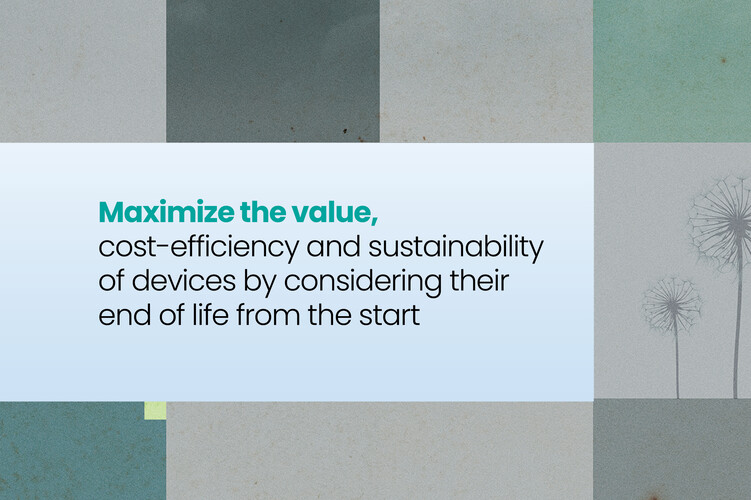
Businesses have a number of options for what to do with devices at the end of life, including recycling them, trading them in for credit and even allowing employees to purchase them. The important thing is to plan out this step from the beginning, avoiding a situation where a spare office or storage room becomes a de facto “device graveyard.”

“It is important to establish a standardized, secure process to wipe data from decommissioned devices,” Pelino says. “Before disposing of these devices, it is also important to ensure the IT team removes retired devices from all management systems to prevent ghost assets. It is also crucial to identify options to dispose of devices in a sustainable, environmentally responsible manner.”

Southern Bank handled this step internally due to cost considerations.

“The branches are good about making sure that we get the devices back,” Foster says. “We built processes to make sure we physically have the old machines in hand before we retire devices from our system.”

The decommissioning step, Foster notes, highlights the importance of beginning any device initiative with the end in mind.

“It’s about trying to understand the long-term ramifications of short-term decisions,” he says.

Photo courtesy Southern Bank; illustration by David Vogin; Rakdee/Getty Images
Close

New Workspace Modernization Research from CDW

See how IT leaders are tackling workspace modernization opportunities and challenges.